


Enter the website at https://ist2024.itrc.ac.ir.
On the left side of the site's home page, there is a "login" box. Click on "Sign Up" and enter the requested information.

Explanations about registration groups:
Unaffiliated participants group: People who participate in the conference without affiliation to the university or research organizations.
Student group: Students of universities all over the country must upload a valid student certificate on the website after registration.
IEEE members group: IEEE official members must upload their valid membership certificate on the website after registration.
Group registration group: In this section, the group representative must register his information.
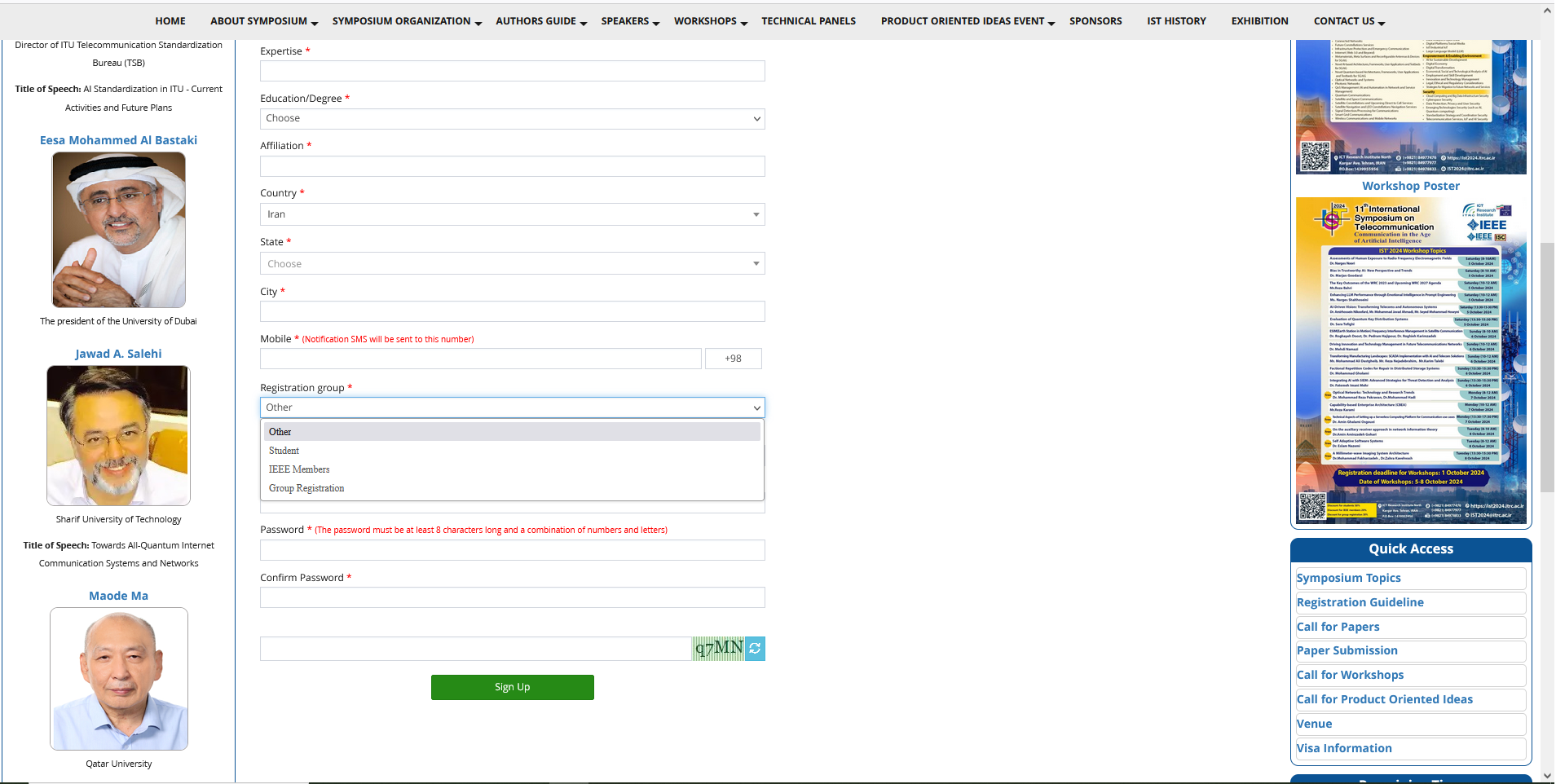
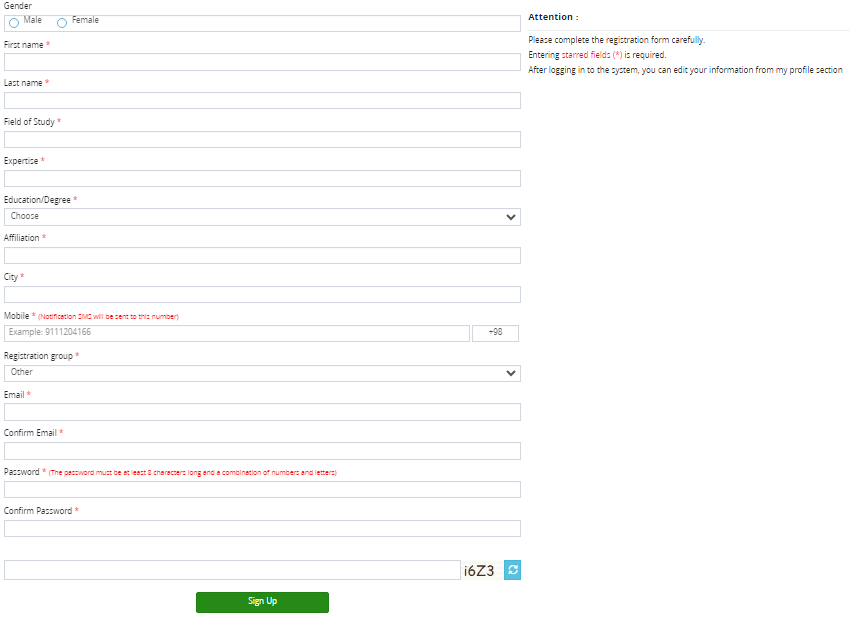 In the registration group section, you can choose one of the existing registration groups. Note that after selecting the desired group, the necessary documents must be sent for confirmation. These documents are checked by the registration manager and if the documents are approved, the selected group is also confirmed. Note that the registration group is directly related to the conference costs. Therefore, be careful in choosing the registration group. Important note: After selecting the registration group, the required documents must be sent, otherwise the selected group will not be applied. The registration group is one of the items entered by you at the time of registration (for group registration, please refer to the "Group registration guideline"). To change it, you can access it in my profile section.
After registration, it will be possible to enter the site with registration information. After entering the site, a panel can be seen as shown.

After registering on the site, you can choose the services you need such as participating in the conference or participating in the workshops (Symposium & Workshop Registration Guide).
